
EVENTORI MCP: Bringing AI to The Heart of Ticketing
Creating a match, pulling a match report, or segmenting your fans: with the new EVENTORI MCP, one sentence is enough to handle your ticketing. Discover what an MCP is, how it works for your club, and which AI assistants you can connect it to.


Creating a match, applying a price grid, and pulling the numbers you want to check the morning after a game: for most ticketing teams, each of these tasks still means a long series of clicks, screen after screen.
Starting today, you can do that with just one sentence with the new EVENTORI MCP: bringing your club’s ticketing into the AI assistant you already use every day, whether it’s Claude, ChatGPT, Gemini or Copilot.
The principle is simple.
- Imagine it: think of what you need.
- Prompt it: ask your assistant in one sentence.
- Create it: check the summary, approve, and it’s done.
In this article, we explain what an MCP is, what it changes for your club, and how you can benefit from it.
What is an MCP?
MCP stands for Model Context Protocol. It is an open standard that lets an AI assistant connect directly to the tools and data you already use.
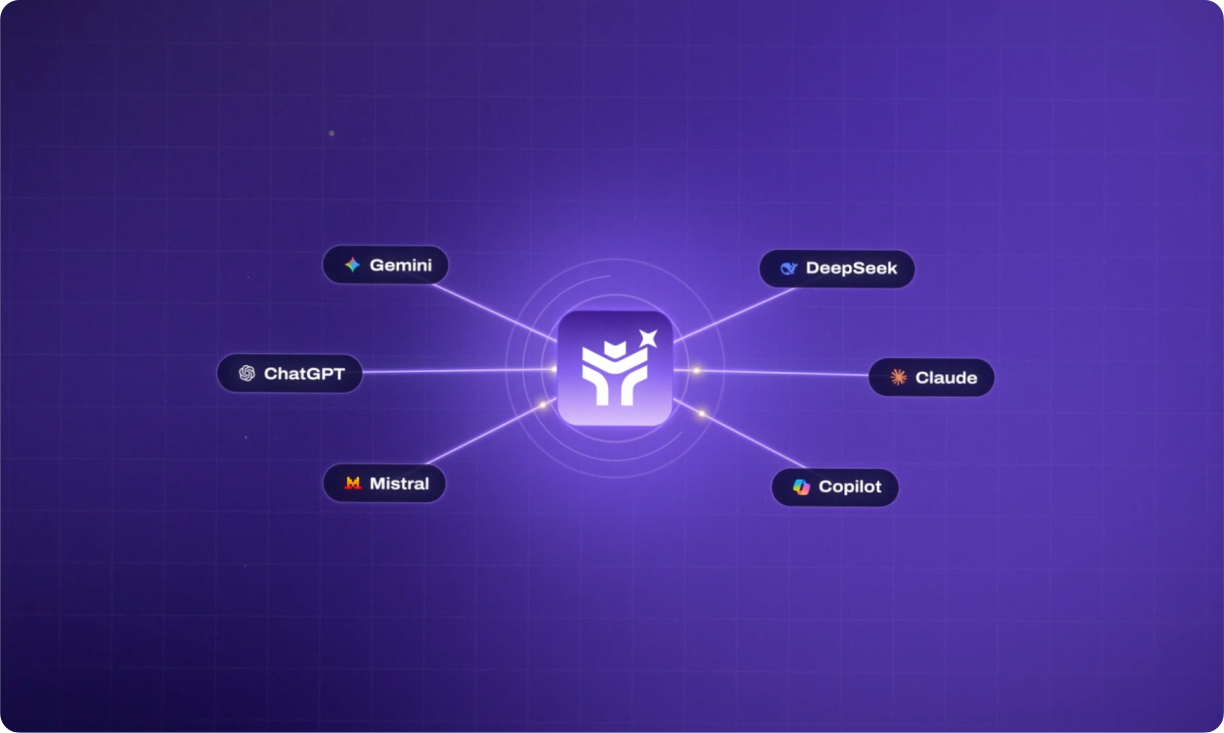
Think of it as a universal plug: your AI assistant on one side, your solution on the other, and a common language in between that lets them work together.
Without an MCP, your assistant only knows what you tell it. It understands how ticketing works in general, but nothing about your stadium, your price grids, or your fans. With an MCP, it finds that information on its own, directly in your software, and answers from your real data.
Because MCP is an open standard, it isn’t tied to a single AI provider. Claude, ChatGPT, Gemini and Copilot all support it.
How the EVENTORI MCP Works For Your Club
It knows EVENTORI
Your AI assistant has access to EVENTORI, its documentation, and the most frequently asked questions. It can walk you through a procedure, explain how a feature works, or check your own configuration to find out why something isn’t working.
For example:
- “How do I set up a presale for season ticket holders?” → You get the steps to follow, from setting up the offer to opening the sales windows.
- “Why isn’t any price showing on Saturday’s match?” → Your assistant checks the match configuration and pinpoints the cause, such as seats without a category or a price grid that hasn’t been applied.
- “How can I create a promo code valid for one match only?” → You get the full procedure, plus the common pitfalls to avoid.
It reads your data
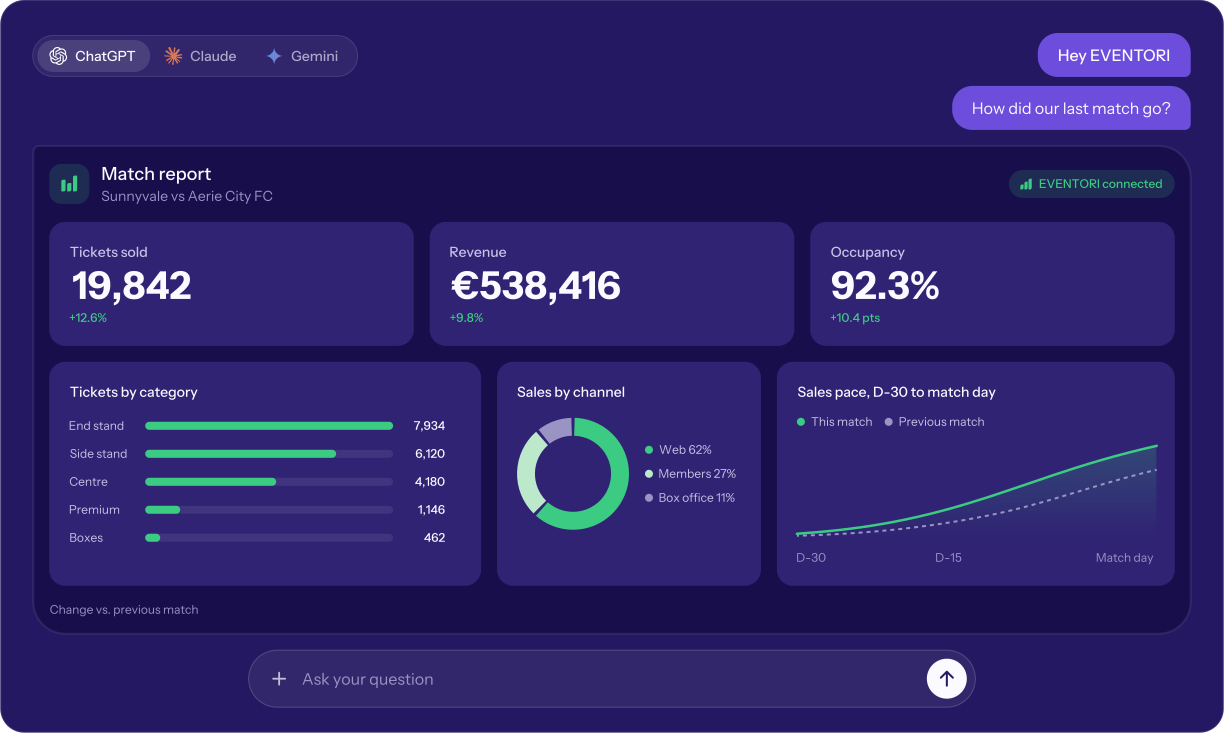
Your assistant has read-only access to your ticketing data (events, orders, payments, tickets, and customers), so it can track your sales, check your fill rates, segment your fan base or spot a payment issue, all from a single question.
For example:
- “How many tickets were sold per channel this month?” → You get a breakdown by online, box office and Back-Office sales.
- “What was the fill rate for the last match?” → You get the share of seats sold compared to capacity.
- “Give me a profile of my customer base” → You get active accounts, age ranges and marketing consents at a glance.
- “Which customers have an invalid email in my database?” → You get a list of the accounts to clean up before your next campaign.
It acts for you
Your assistant can also handle configuration tasks on your behalf, from creating a match to scheduling sales windows.
For example:
- “Create the FC Sochaux-Montbéliard vs. FC Annecy match at the Stade Auguste-Bonal on October 20, season 2026-2027” → You get a summary of the match to check, and it’s created as soon as you approve.
- “Open a presale for season ticket holders 40 days before matchday” → You get a presale offer reserved for your season ticket holders.
- “Open online sales 30 days before each match, closing 1 hour before kickoff” → You get your online sales windows scheduled for every match.
- “Move the opening of sales for the whole season to September 1” → You get all your sales windows rescheduled at once.
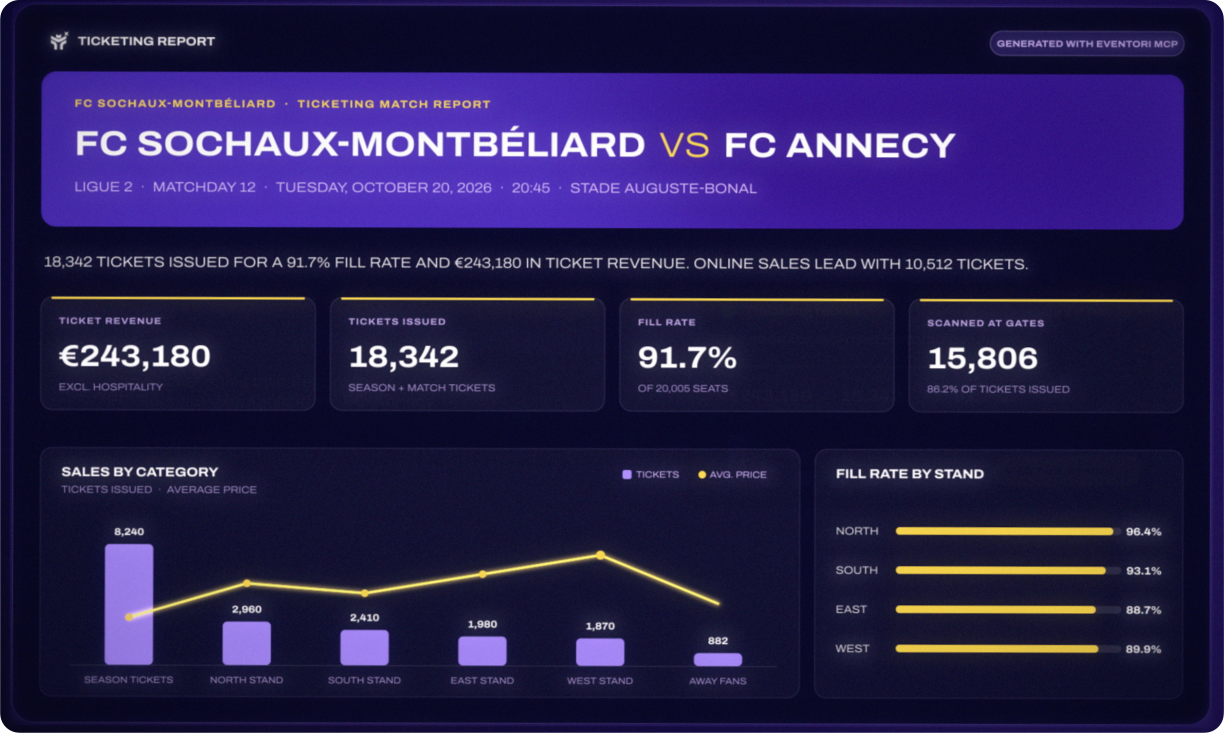
And because your AI assistant can also create visuals, your data becomes much more than just a table: season dashboards, match report videos, even match posters.
The Benefits for Your Clubs
The MCP doesn’t replace a Ticketing Manager, it lets them perform at their best. Here’s what it means in practice:
More time for what matters
Ticketing admin quietly eats into your week. With the MCP, the routine tasks take a fraction of the time:
- Reporting time cut down from about 4 hours to less than an hour per week.
- 2 minutes to set up a season, with a summary to check before anything goes live.
That’s the time your team can put back into your strategy, your partners, and your fans.
Numbers you can rely on
Your assistant reads directly from EVENTORI, so every figure it gives you matches your Back-Office exports. No more copy-pasting between spreadsheets, no more conflicting versions of the same report, and pricing decisions backed by your real data.
Answers whenever you need them
No need to wait for a reply from support or dig through the documentation. Your assistant knows EVENTORI, checks your configuration, and guides you step by step, whenever you need it. And no technical skills are required.
You Stay in Control
AI prepares, you decide. The EVENTORI MCP was designed so that your team always has the final say on every action and every piece of data.
- No changes without your approval. Before any modification, your assistant summarizes what it is about to do and waits for your approval. Each action then appears in the EVENTORI activity log, so you can keep track of everything that is going on.
- Your assistant acts within your permissions, never beyond. It inherits the rights of your EVENTORI user account, so it only has the permission you give it.
- Your password stays with you. You log in on EVENTORI’s own login page. Your credentials are never shared with Claude, ChatGPT or any other assistant.
- Your data stays yours. Every club has its own dedicated database, completely separate from the others. EVENTORI is ISO 27001 certified, GDPR compliant and hosted in the EU.
- MCP connections expire automatically. For security, you’re logged out after 7 days of inactivity, or 30 days at most, so regular users simply log back in once a month.
How to Connect the EVENTORI MCP
Getting started is simple. The EVENTORI MCP plugs into the AI assistant your team already uses, with no technical skills and no new tool to learn.
It works in three steps:
- Activate it. The MCP is linked to each user’s EVENTORI account, so you choose exactly who on your team can use it.
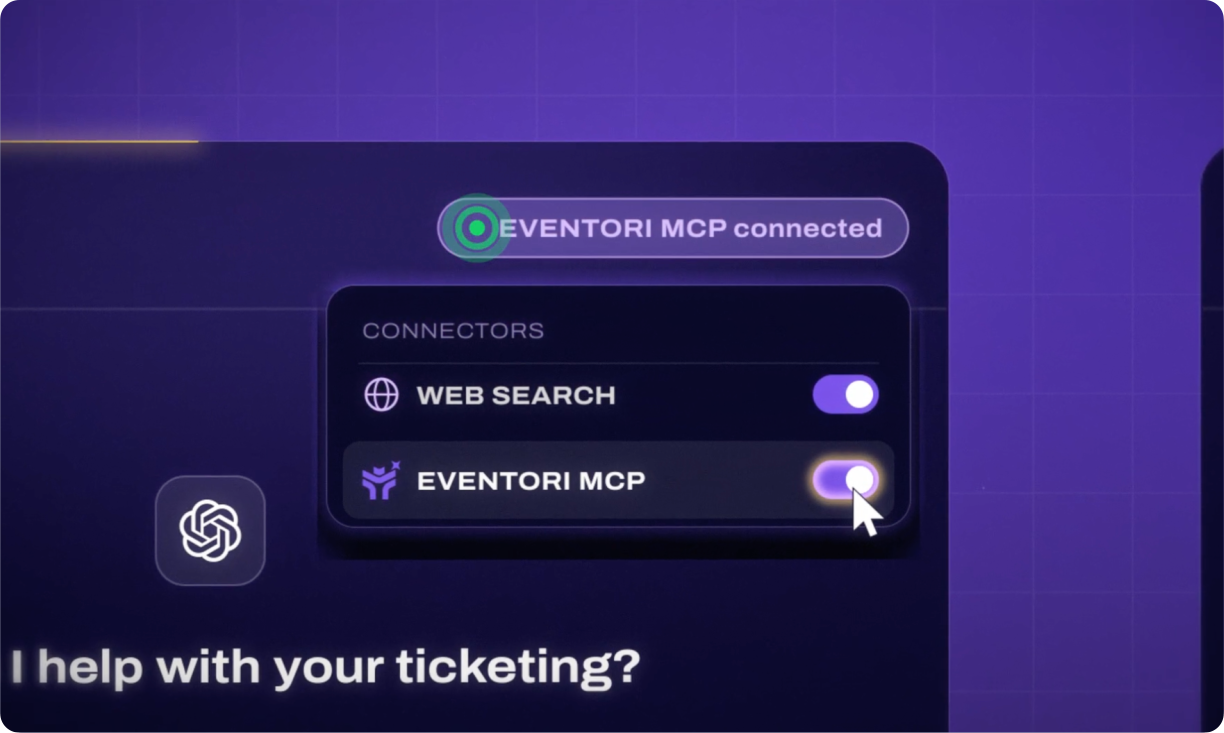
- Connect it. Add EVENTORI to your AI assistant’s connectors in a few clicks. It only needs to be done once.
- Ask away. Log in with your EVENTORI credentials and start asking questions in plain language.
Less Time Clicking, More Time For Your Club, Strategy & Fans
EVENTORI has put innovation at the heart of what it does since day one. The MCP is the next step: AI at the heart of your ticketing, inside the assistant you already use every day. Less time on admin, more time for your club, your strategy and your fans.
And this is only the beginning: more AI and data features are coming to EVENTORI in the next few months.
Already an EVENTORI client? Contact your EVENTORI representative to activate the MCP. Not yet? Book a demo at eventori.io and see it in action for yourself.
Your ticketing is now just one sentence away. All that’s left is to imagine it, prompt it, and create it.